FUJIFILM INSTAX MINI EVO CINEMA REVIEW FROM A WEDDING PHOTOGRAPHER
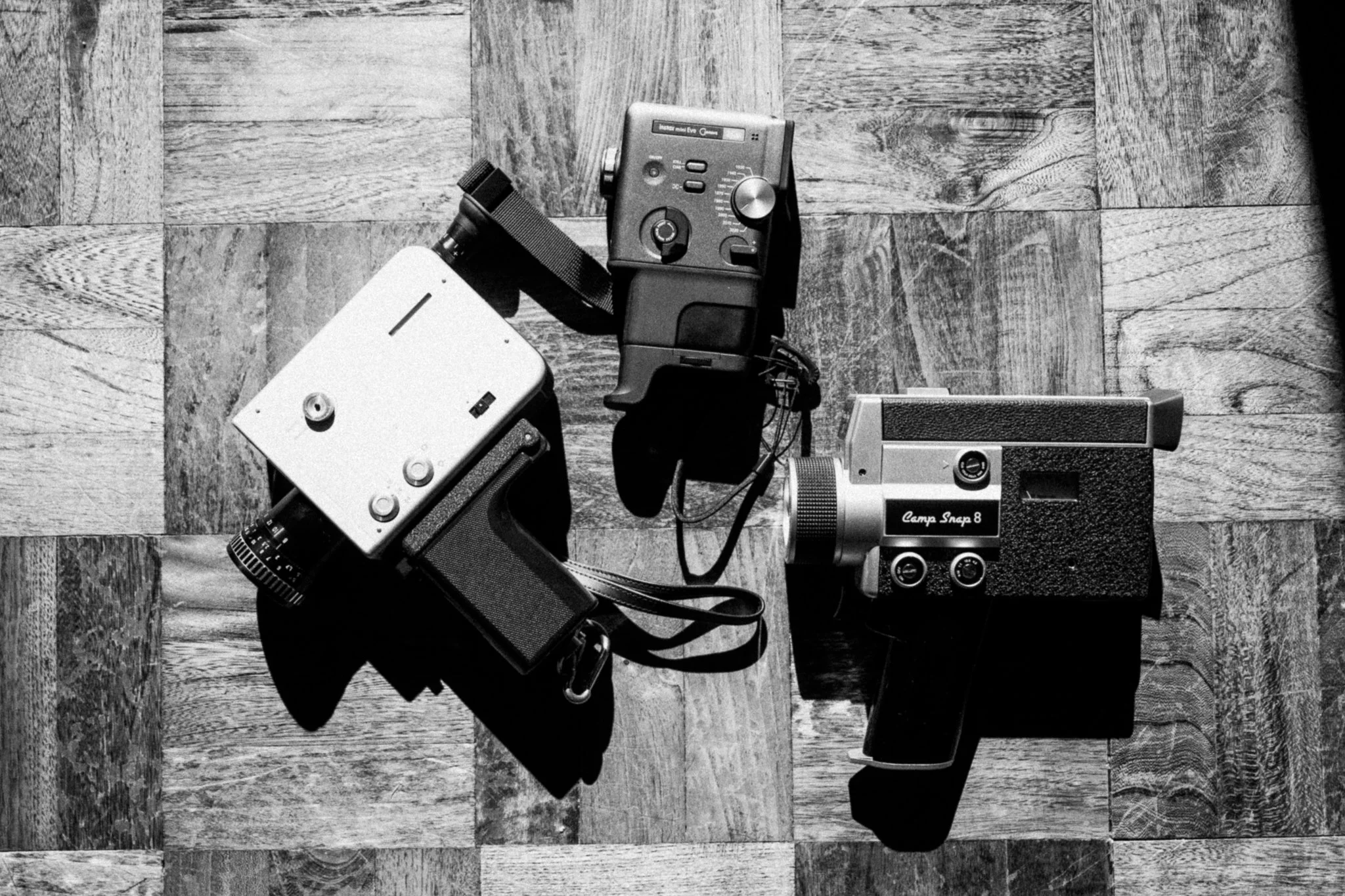
I’m a Super 8mm lover. There is nothing like those flickering frames and overscan vibes. I own a Braun Nizo that I've used for personal and wedding work. But man, $200 per roll is tough. So to say I've been waiting for something like the Fuji Instax Mini Evo Cinema is an understatement. I’ll be comparing the Mini Instax Mimi cinema, the Camp Snap, and my traditional Braun Nizo. Disclaimer: nothing is beating the original, but we are using it for comparison. I will be updating this blog as I use the camera more, but I wanted to get my initial impressions up and out to you.
Please remember these are my initial thoughts: I hope to come back and add to this review as I use it more.
What drew me to the Instax mini evo cinema is the eras switch and the ability to print off a QR code for guests at weddings to scan and see. I love using black and white Super 8 mixed with color, so the ability to switch with just a switch is such a plus. It is double the price of the Camp Snap, but the colors of the Camp Snap look much more punchy than what my Super 8 delivers, and there is no switching between any different styles. Both are re-chargeable a true bonus over the alternative of carrying batteries around. I use THIS extra battery pack with a cord to recharge, as they won’t last all day.
The Instax Evo Cinema offers looks from the 1930s- 2020’s, with each time period offering 10 levels of creative variation, allowing true customization of the look. It comes with the viewfinder, hand strap, and extra hand grip, which make holding it very comfortable. It has a slot for a D ring, allowing it to be connected to a wedding day camera harness easily. It has a slot for a micro sd allowing as much storage as you give it, even allowing you to edit the frames outside of the Instax app.
Still too early for me to really compare how long the batteries last on each.
UPDATE: I have decided to return this. The low megapixels really were the final straw for me. Makes the zoom totally worthless, I loved the customization, but man, I wish I was higher quality video.
The mini Instax Evo Cinema:
Doubles as a instax mini printer ( almost wish it didn’t have this)
You can add graphics and title overlays to all prints. ( meh)
Has multiple era dials with real Super 8 response, adding flicker and static, and even a whirring sound and overlays to add overscans to every look. (10/10)
Audio recording
only allows 15 sec clips per button press (This is not really a downside to me, as it gives a more Super 8 feel )
Has overlays to add overscan or that 80’s era lomo look on the edges for that 90’s look.
Can dial up or down the effects, making them all customizable ( 10/10 feature)
Can change exposure compensation ( 10/10 feature)
$400
I am still trying to figure out how to appropriately use the QR code at weddings. I'm not sure if you would need to print different QR codes for each 15 sec clip or if I could combine all the clips taken in one day into one QR code.
NEGATIVES:
The app is pointless because you can’t save files to your phone from it; you can only use it to share short video clips that are uploaded to the app. The app in general, is my biggest gripe. Why add the ability to wirelessly upload, but restrict its use to the app?
Zoom feature is jerky, i.e., you cannot in the same 15 second clip zoom in and out. UPDATED: the zoom is NOT practical as it pixilates the image so incredibly bad. Basically have to shoot wide.
You must upload by USB or sd card connected to phone or laptop. SO STUPID and such a major design flaw.
The QR codes are rendered useless because they only link to ONE of the 15 sec clips, not all the video taken for a specific event.
MY FAVORITE SETTINGS: ev comp + 1/3 on all
1930 no frame dialed down to two
1960’s with an overscan frame dialed down to three
1980 dialed down to two with the date frame.
2000 dialed down to one with no frame.
Camp Snap :
dial changer with 4 options, for that Super 8 look. To me, they all look a little too digital; the static looks incredibly fake.
No overscan ability
No playback screen ( not that important)
$200
Can zoom in and out smoothly
Taylor Swift apparently has this one.
No editing software
audio recording.
smooth zoom, but fringes at edges badly.
looks more like a traditional Super 8 aesthetically.
Negatives:
Wireless transfer seems hard.
Don't really like the look of the "film simulation”
unable to customize the look
no overlays/ effects
The SD card is hiding behind a screwed-in cover, making it annoying to change and replace, but you can.
Settings:
ANA - the only one with scratches, but don’t love them
VTG 2
BW
How I’ve thought about using it for work:
Making a few fun BTS shots of clients to txt them later
Having the clients film each other for a fun memory.
shooting bts content in a fun way to use for social media.
DOES NOT REPLACE A VIDEOGRAPHER/ TRADITIONAL SUPER 8 IN ANY WAY.
Braun Nizo super 8mm developed by pro 8mm
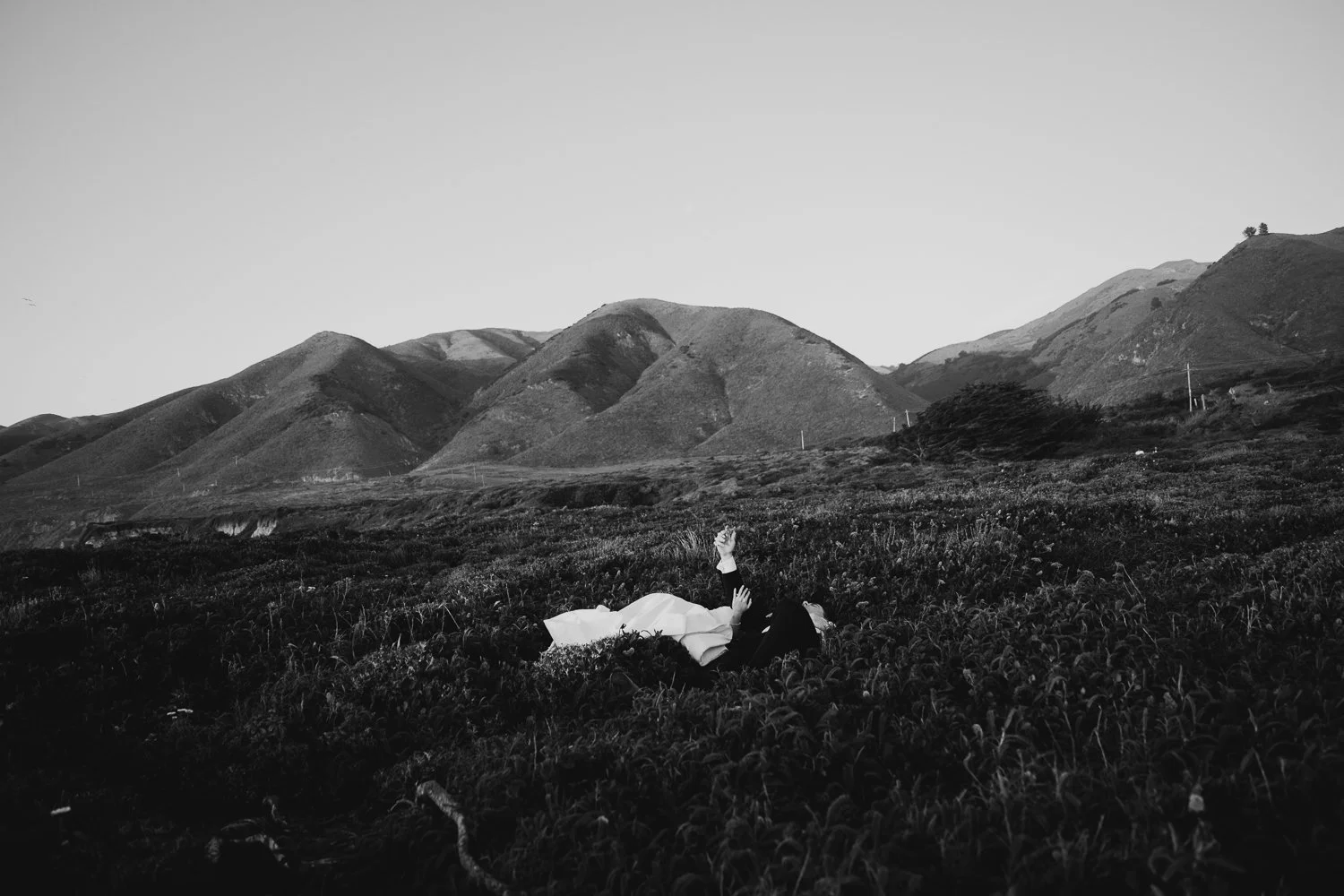
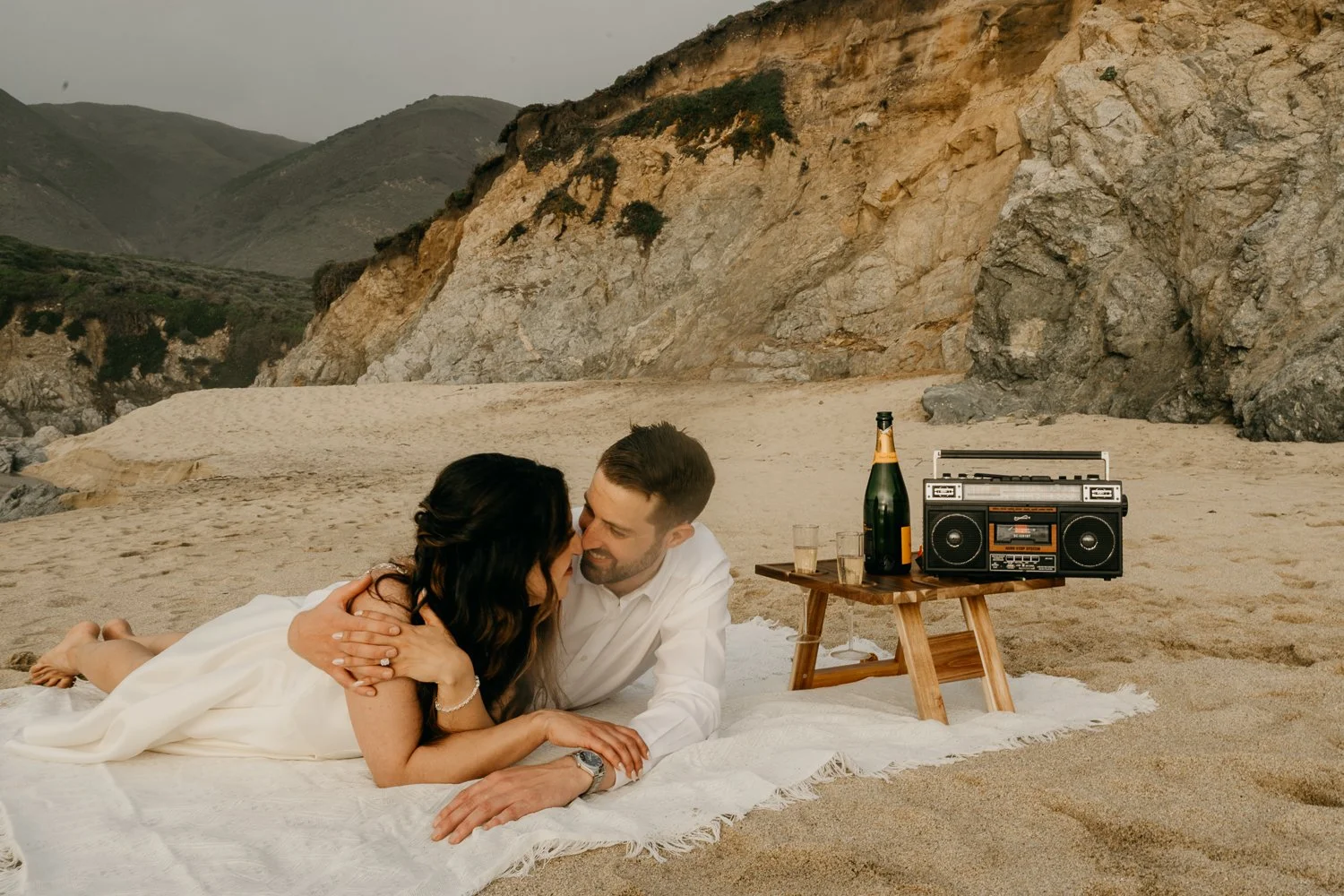
If you’re wondering what to do for your engagement photos—you’re not alone.
Most couples come in saying:
“We want something natural… but we have no idea where to start.”
The truth is, the best engagement sessions aren’t built around poses.
They’re built around experiences.
At Flora Gibson Photography, I approach engagement sessions like a quiet story unfolding—something you step into, not perform.
Here are ideas that will help your photos feel like you.